

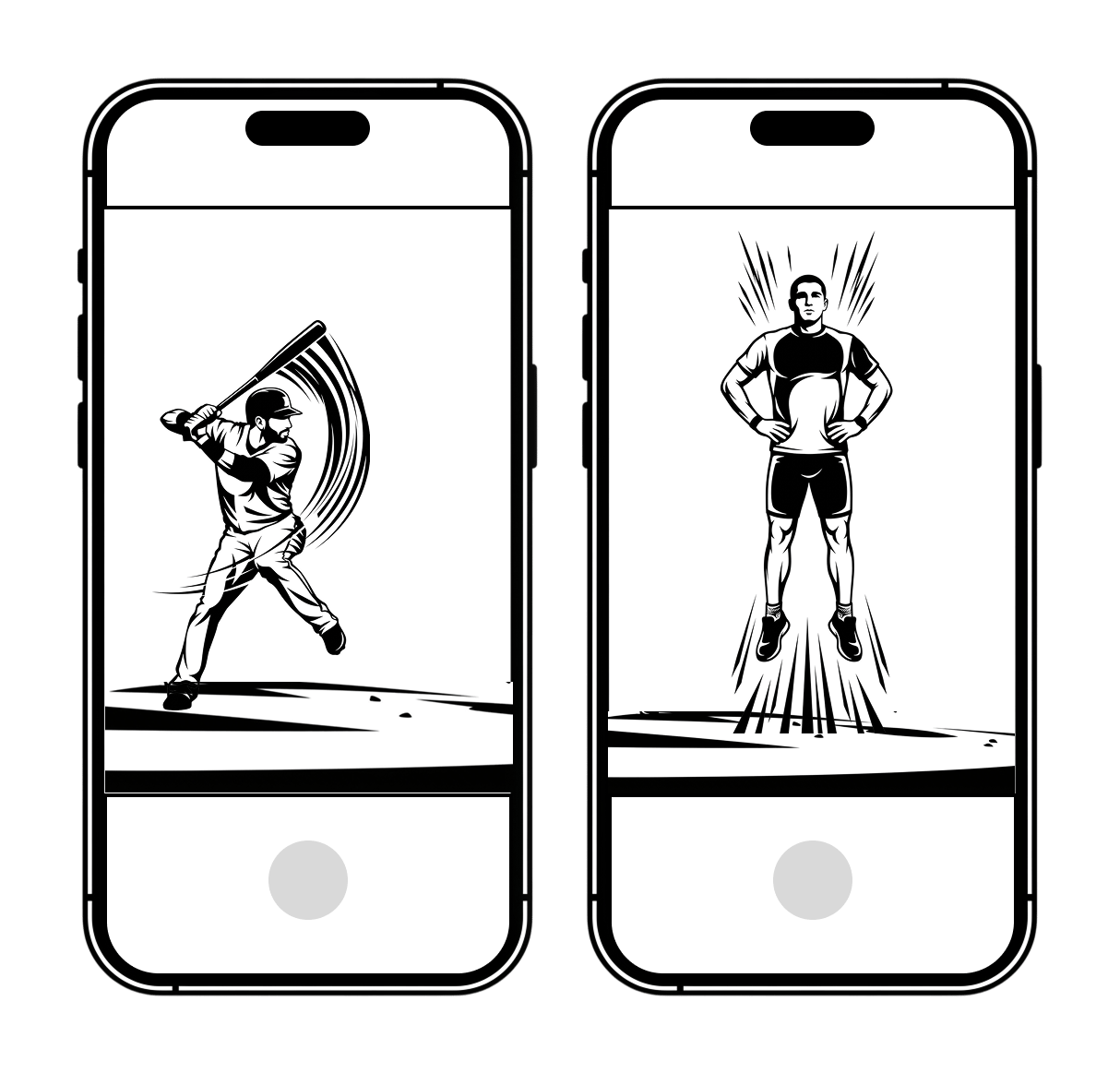
When to use Portrait
- Movements where these is very little lateral movement (e.g. hitting, serves, stationary movements like squats)
- Vertical jumps (e.g. countermovement jumps, drop vertical jumps)
- Taller athletes, especially when cameras need to be set up close to the athlete due to space constraints
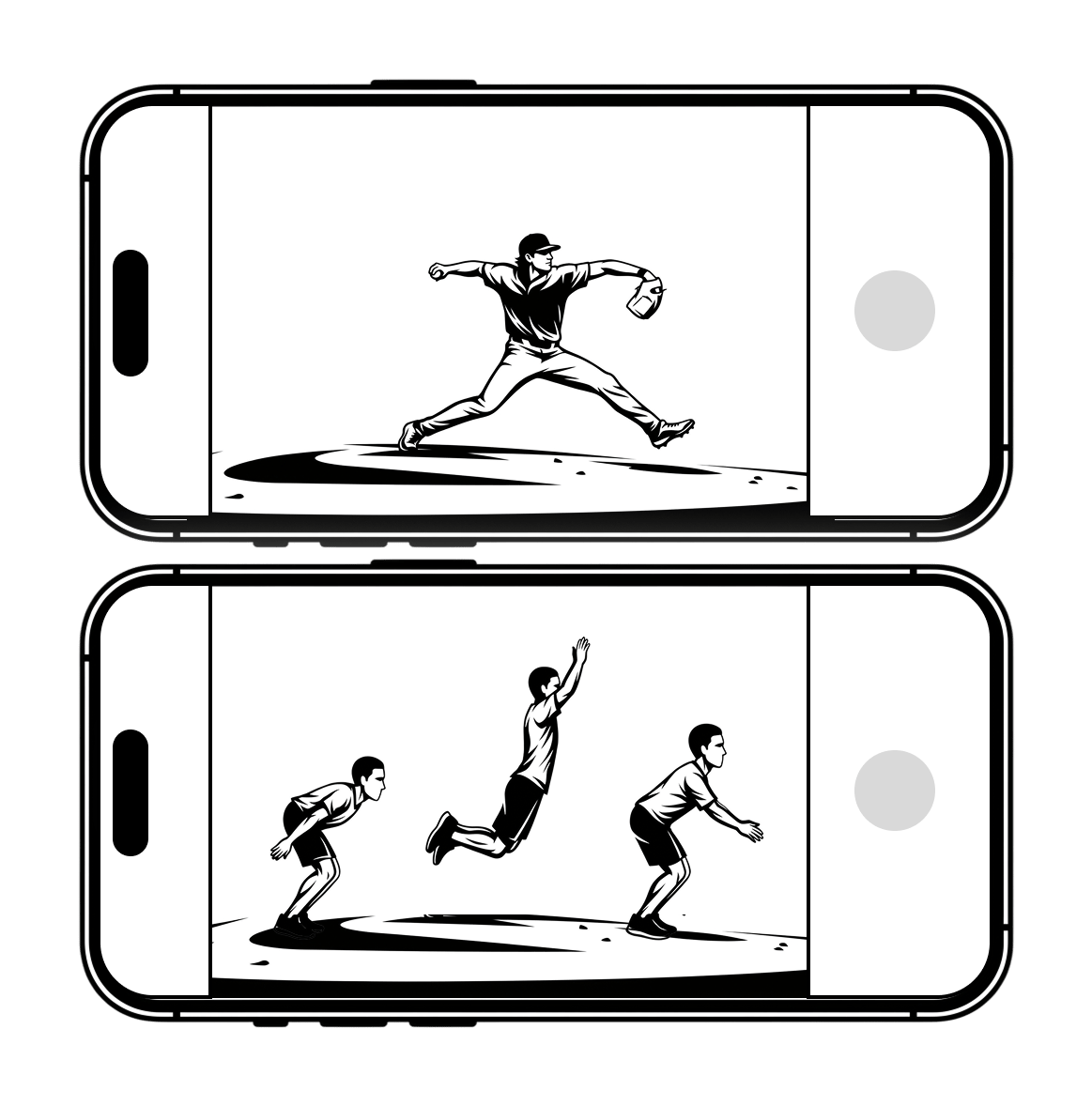
When to use Landscape
- Movements where there is significant lateral movement (e.g. pitching, broad jumps)
- Stationary movements where the athlete is in a horizontal position (e.g. plank, side plank)
Tips:
- Not every movement allows the selection of camera orientation. For example, vertical jumps should always be captures in portrait, so the option isn’t presented.
- Because Landscape Mode shortens the height of the video frame, you may need to move the cameras further back to capture the entire athlete, especially for taller individuals.