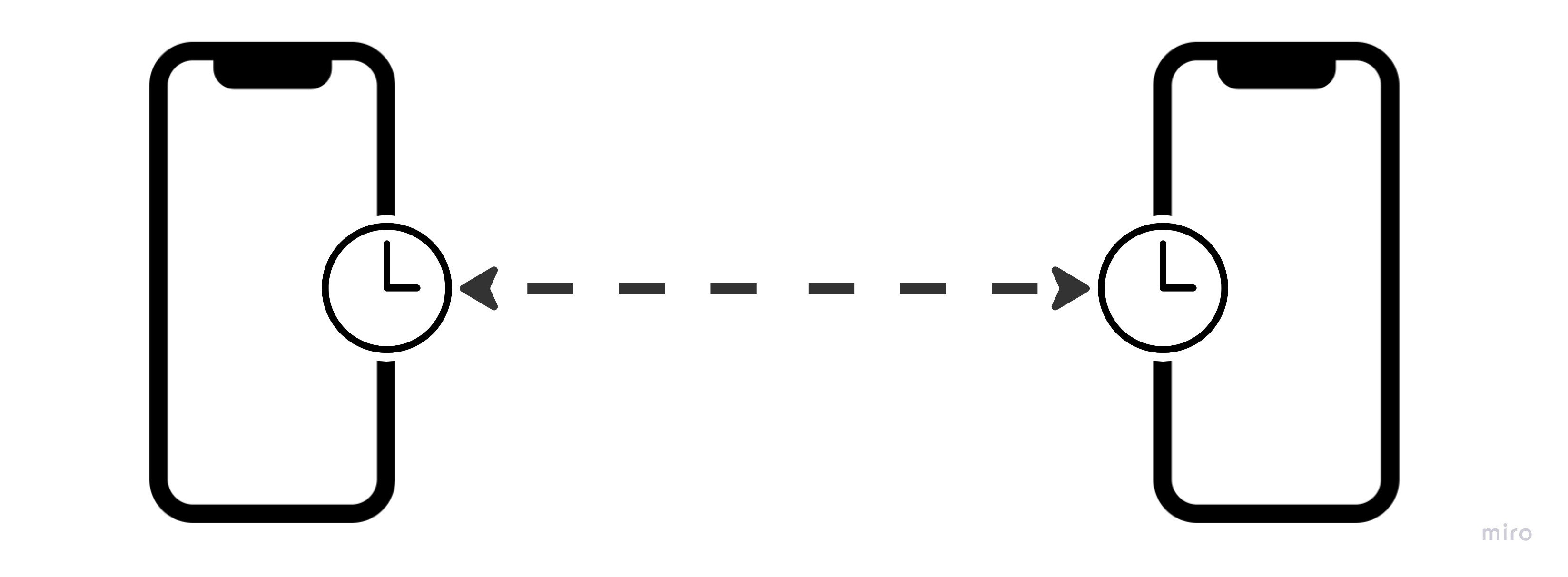
Internet Connectivity Requirements
Uplift Capture now supports opening the app and starting and running a capture session even without an internet connection. Whenever possible, it’s still recommended that you run Uplift capture while connected to a strong wifi network, since that will ensure you have the most up-to-date lists of movements and athletes and automatically upload videos for processing. When you are in an environment where the devices are connected to a network, because both devices need to see each other to pair, both devices need to be connected to the same network.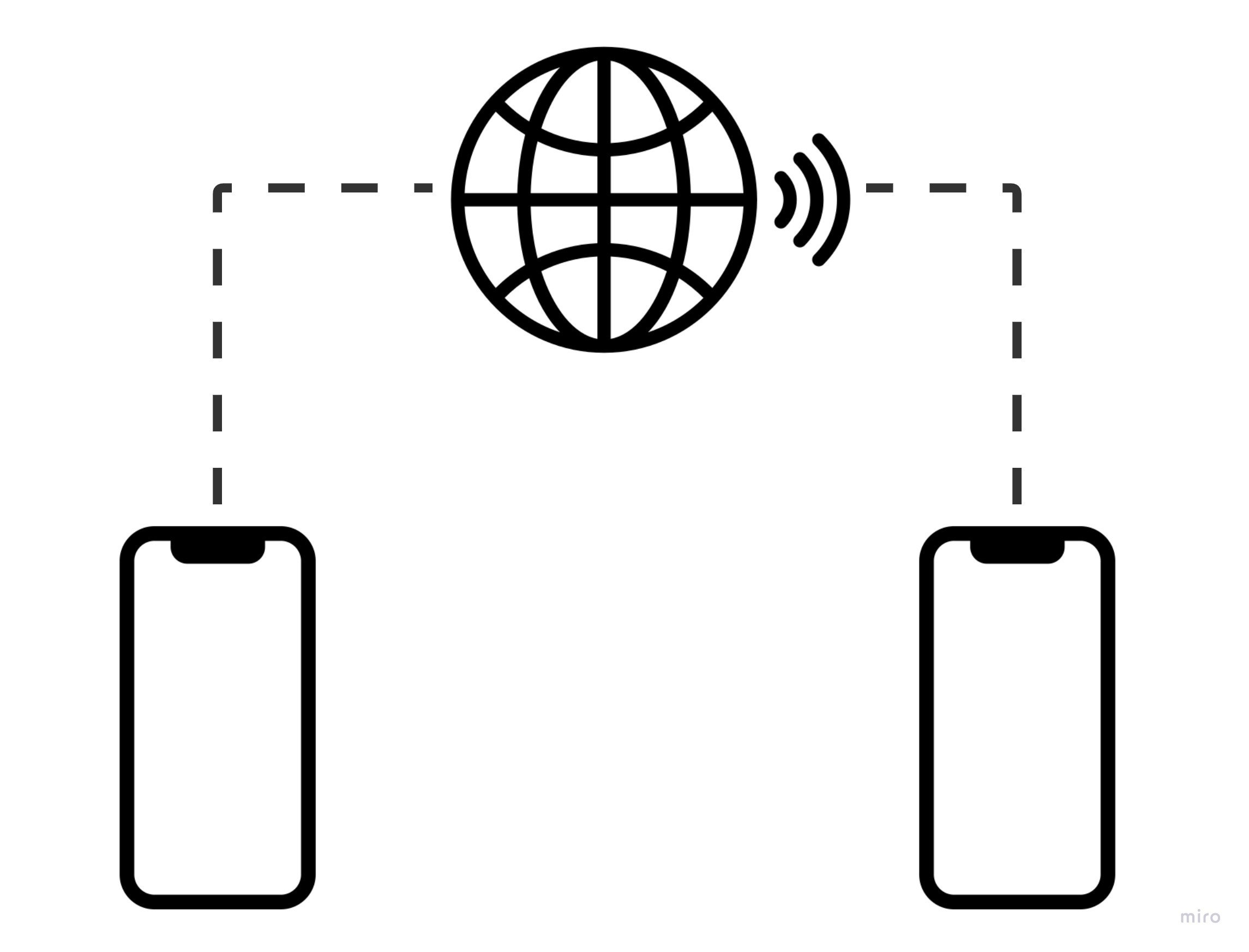
Device pairing and syncing
Aside from connecting to the Uplift cloud, Capture also requires that both mobile devices are paired with one another, and that they stay in constant sync so that the videos captured on each devices can be used to generate full 3d data. Below we’ll explain how Capture pairs and then syncs both devices.Device Pairing
Uplift Capture uses Apple’s Multipeer Connectivity technology for the primary device to find and pair to the secondary device. This is essentially the same technology used by services like Air Drop to discover and connect with nearby devices. Because entering pairing mode requires that one device is “searching” and the other is “discoverable”, do not enter pairing mode on both devices at the same time. The device that initiates pairing will become the Primary device, and the one that gets paired with will be Secondary.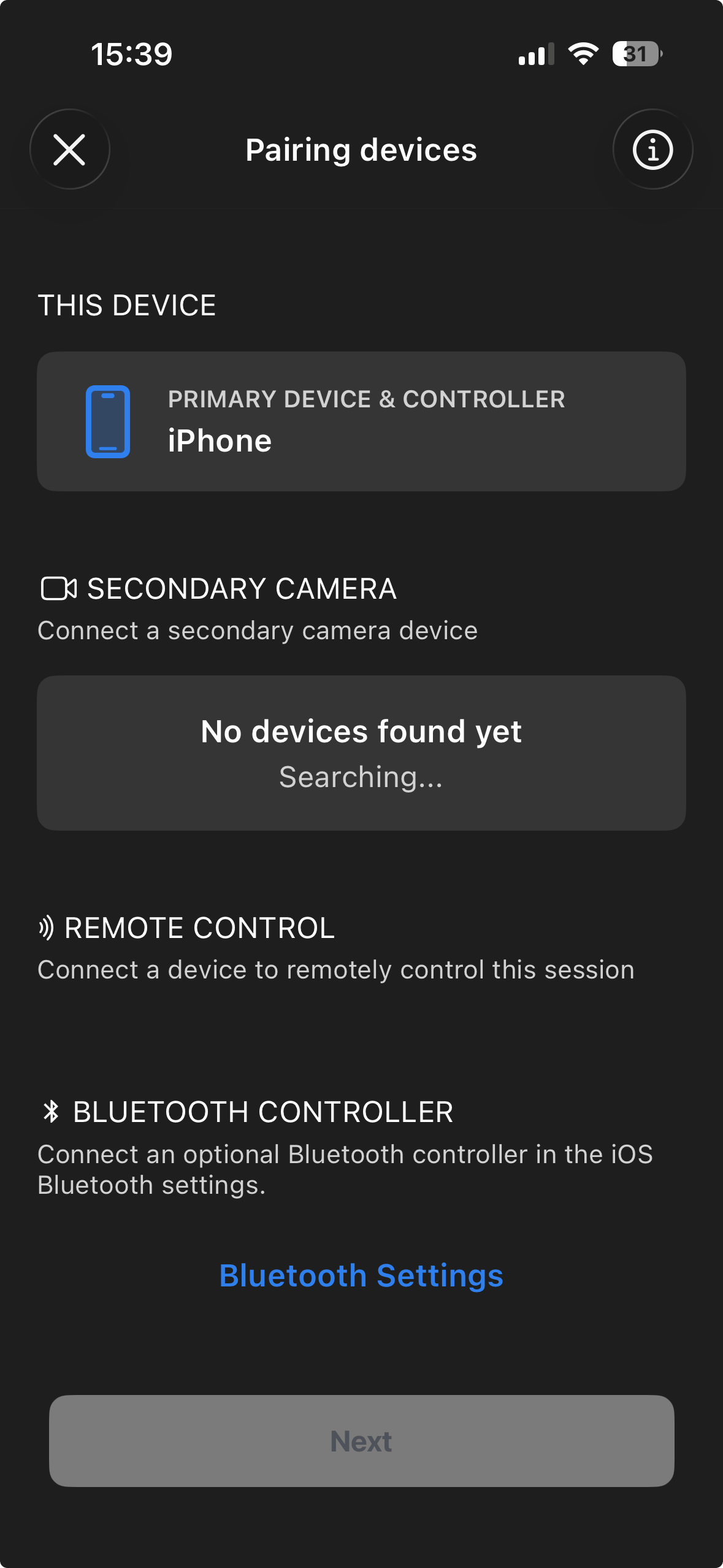
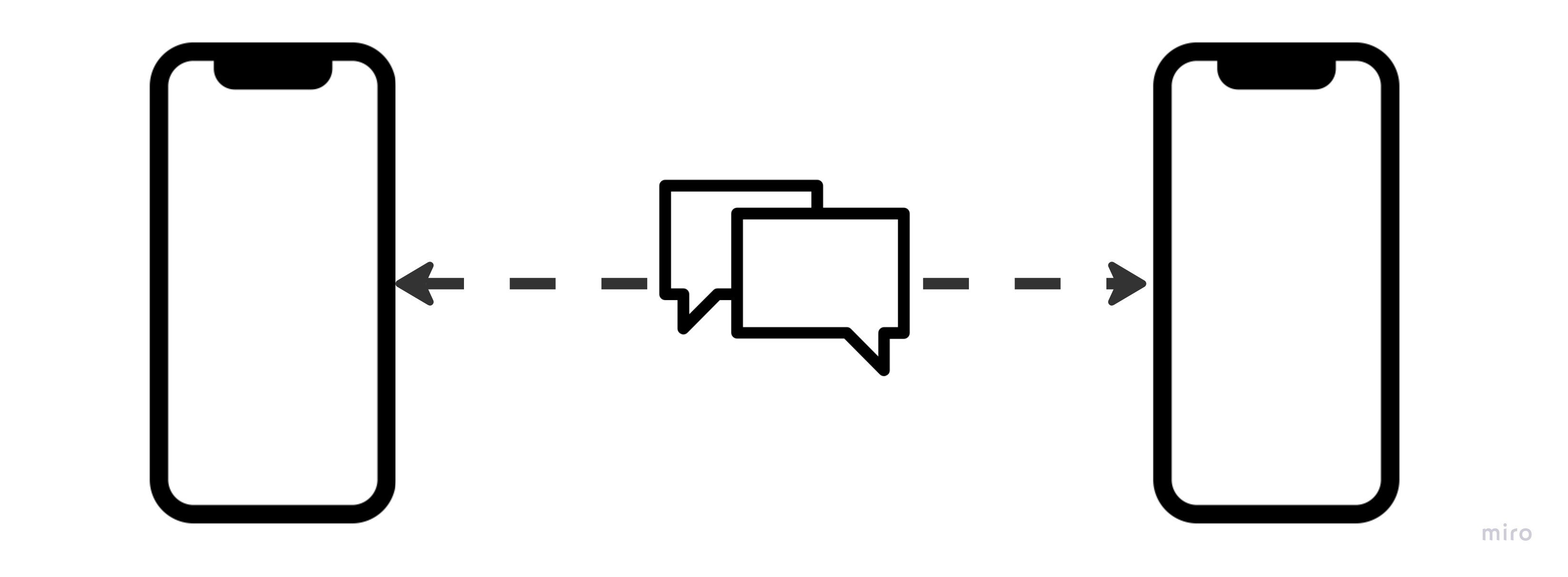
Syncing
By default, Capture uses a peer-to-peer (P2P) approach to syncing the two devices.