

How it works
Auto upload is a new setting in Uplift Capture as of version 2.5.488. It is enabled by default.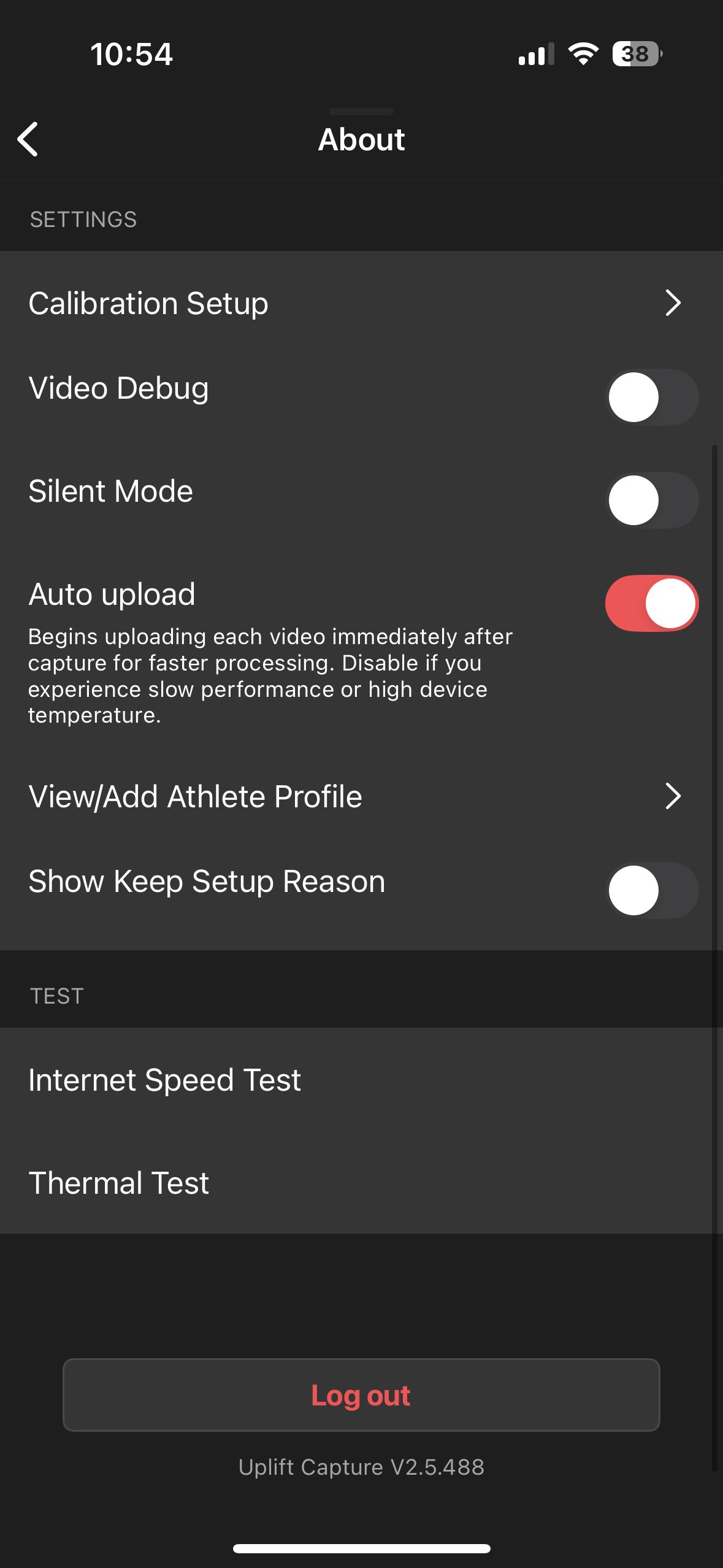
When would you disable this setting?
In almost every scenario, keeping Auto Upload enabled is your best bet. However if you are experiencing certain issues, disabling this feature is a good troubleshooting step and may reduce the load on the devices. These issues include:- Any network connection issues
- Devices unpairing
- Devices getting too hot
Notes:
- If you are capturing using offline mode, your videos will not upload until you’re reconnected to the internet regardless of the Auto Upload setting.
- If you are running an earlier version of Uplift Capture than 2.5.488, please update your app via the App Store.