> ## Documentation Index
> Fetch the complete documentation index at: https://docs.uplift.ai/llms.txt
> Use this file to discover all available pages before exploring further.
# Portrait vs. Landscape camera orientation
> When to use each camera orientation for a successful capture
For many movement protocols, Uplift Capture gives you the option to choose between landscape and portrait. Which orientation you choose is dependent on many factors, including the environment, the space available, the movement, and
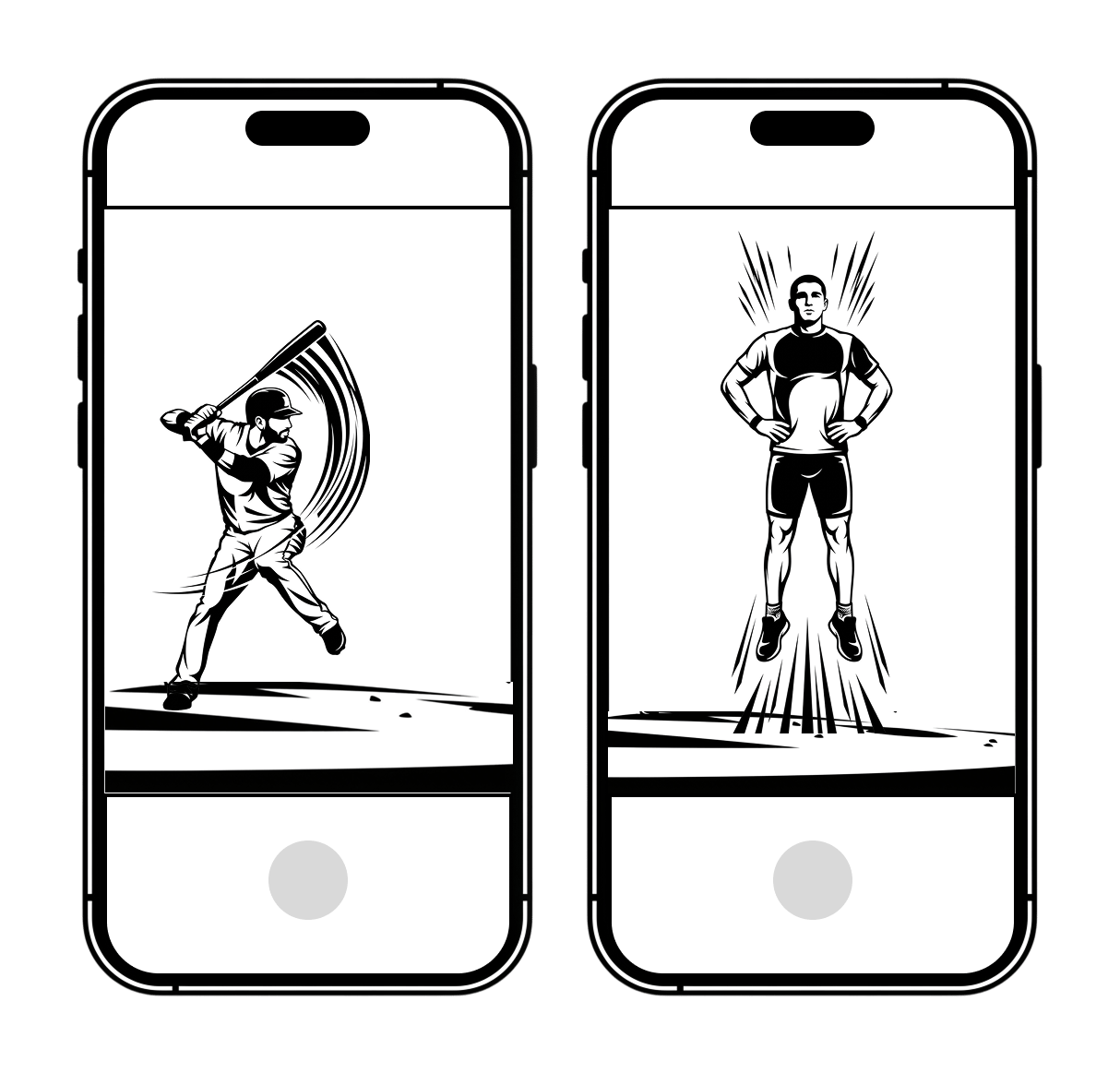
# When to use Portrait
* Movements where these is very little lateral movement (e.g. hitting, serves, stationary movements like squats)
* Vertical jumps (e.g. countermovement jumps, drop vertical jumps)
* Taller athletes, especially when cameras need to be set up close to the athlete due to space constraints
 # When to use Landscape
* Movements where there is significant lateral movement (e.g. pitching, broad jumps)
* Stationary movements where the athlete is in a horiztonal position (e.g. plank, side plank)
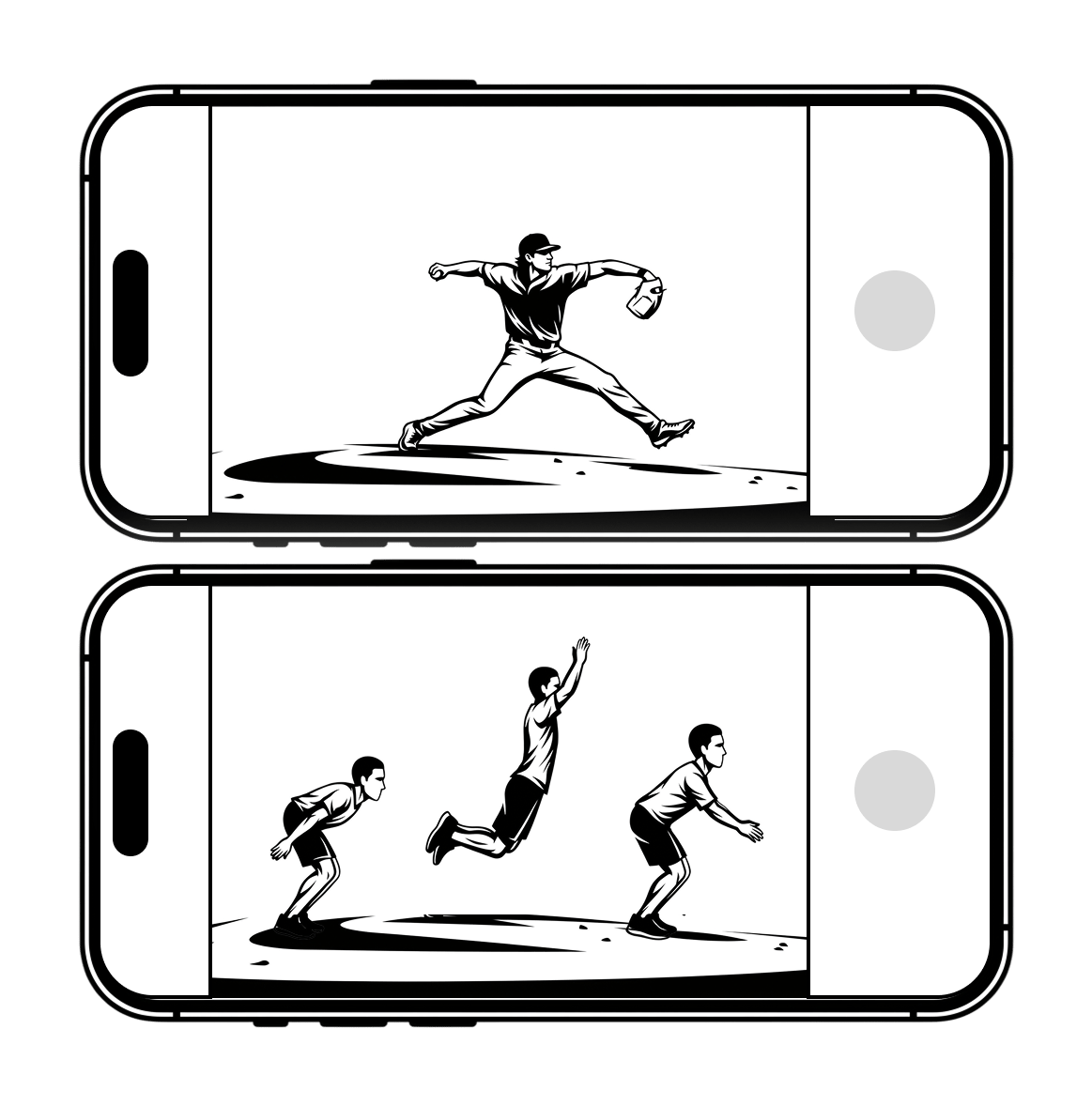
# When to use Landscape
* Movements where there is significant lateral movement (e.g. pitching, broad jumps)
* Stationary movements where the athlete is in a horiztonal position (e.g. plank, side plank)
 ### Tips:
* Not every movement allows the selection of camera orientation. For example, vertical jumps should *always* be captures in portrait, so the option isn't presented.
* Because Landscape Mode shortens the height of the video frame, you may need to move the cameras further back to capture the entire athlete, especially for taller individuals.
### Tips:
* Not every movement allows the selection of camera orientation. For example, vertical jumps should *always* be captures in portrait, so the option isn't presented.
* Because Landscape Mode shortens the height of the video frame, you may need to move the cameras further back to capture the entire athlete, especially for taller individuals.